SlideShow Settings
The SlideShow Settings window is available for Photos and PowerPoint inputs from a right-click menu.
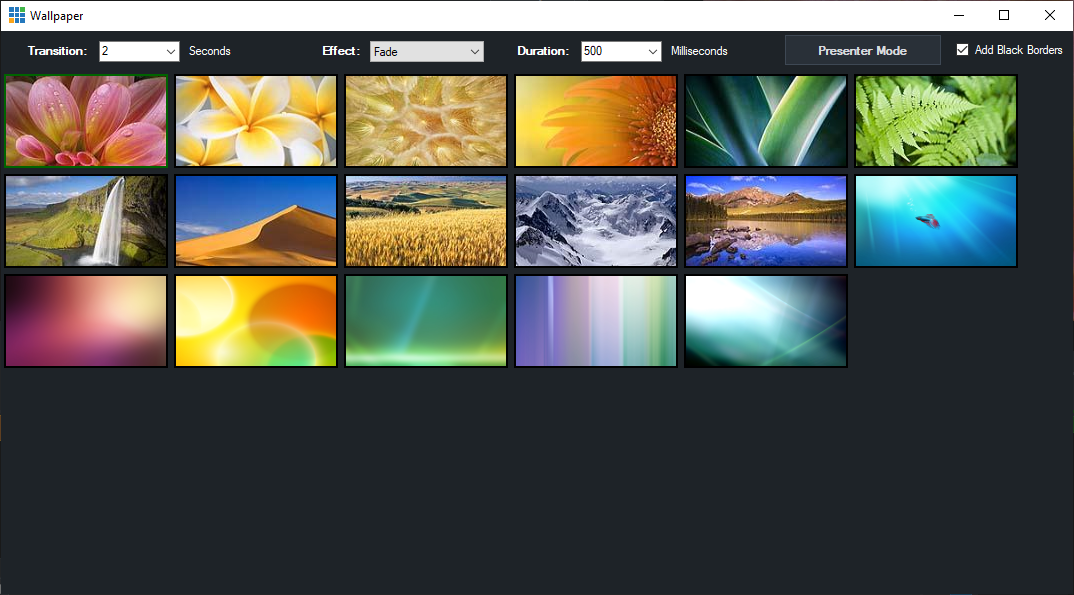
This window can be resized and placed on a separate screen if required.
Presenter Mode
Click the Presenter Mode button to enable a presenter view which can be used to preview each slide before making it live.
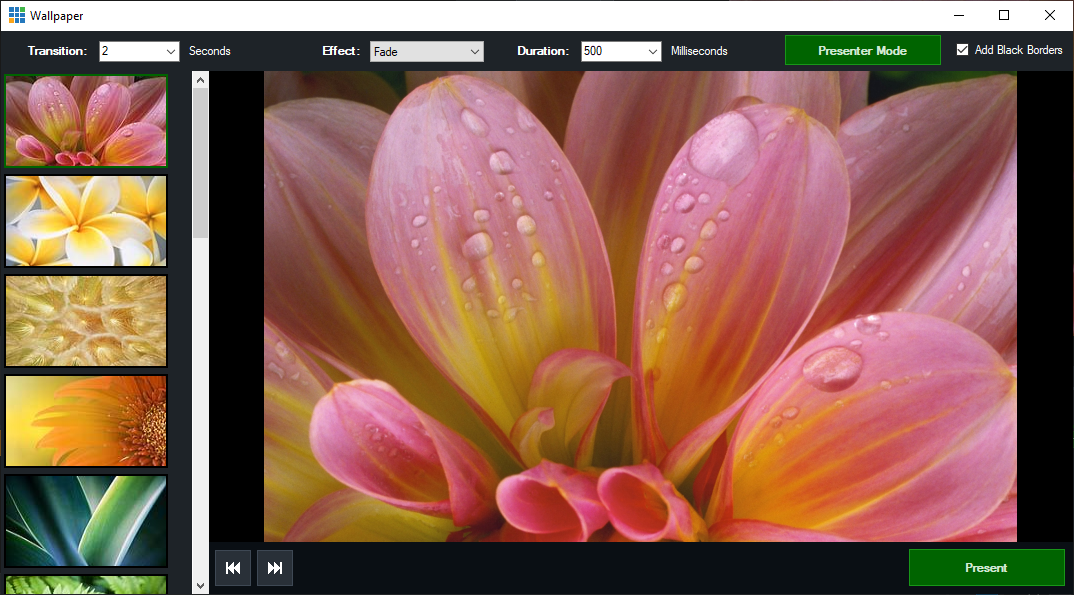
Choose the slide to preview either from the left hand column or the forward/back buttons.
This slide will not be visible on the live input until the Present button is pressed.